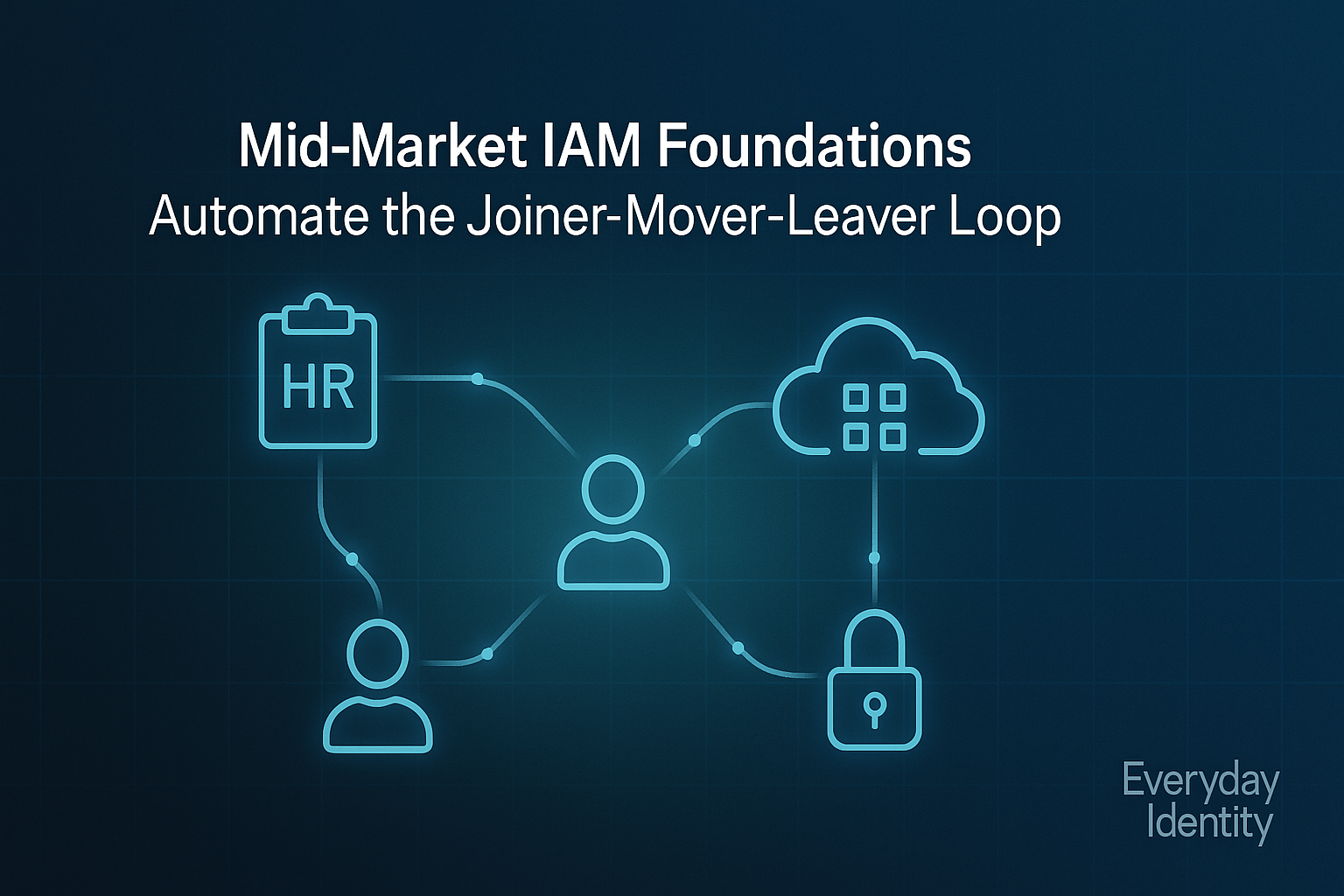
Mid-Market — Post M1 (IAM)
Focus: Automating joiner-mover-leaver (JML) workflows, right-sizing access, and enforcing device-to-access trust without breaking budgets.
Next: Post M2 covers Operational Governance (IGA) — reviews, SoD, and evidence on autopilot.
TL;DR
You’ve outgrown ad-hoc identity. Spreadsheets and tickets can’t keep up with 500 users and 50 SaaS apps.
This is where IAM grows up — automation replaces repetition, and policy replaces memory.
By the end of this guide you’ll:
- Connect your HR system to identity (API-based or scheduled import)
- Automate provisioning/deprovisioning across key apps
- Introduce Conditional or Context-Aware Access
- Eliminate standing admin privileges with PIM or JIT
- Document access flows for compliance and audits
1. Why mid-market IAM is different
At this stage:
- You have real HR data, not just spreadsheets
- Multiple SaaS systems (HR, CRM, Finance, DevOps) all manage users
- Offboarding delays cause real risk
- Regulators, clients, or investors now ask for evidence
The goal: build automation that scales but stays explainable.
2. Your new identity sources (HR-driven lifecycle)
The HR system becomes your authoritative source — every change there should trigger a lifecycle event.
Even if your HRIS doesn’t have a native connector, most have REST APIs or CSV exports you can automate.
Common setups
| HR Source | Identity Target | Method |
|---|---|---|
| Workday / UKG / BambooHR | Entra ID or Okta | API → webhook → workflow |
| Gusto / ADP | AD / Entra | CSV → PowerShell / n8n job |
| Custom HR or internal DB | AD / Entra / JumpCloud | API to script-based importer |
Rule of thumb: HR drives users → Identity drives apps.
3. Automate JML with affordable tools
🔹 Microsoft-First Track
- Entra ID (P1/P2) + Lifecycle Workflows for automated provisioning and offboarding
- Adaxes to orchestrate AD/Entra actions (create, disable, group, license, notify)
- Intune for device compliance and Conditional Access
- Power Automate or n8n for HR webhook → provisioning trigger
Example:
When HR sets Status=Terminated, Power Automate calls Adaxes → disables AD/Entra account, removes licenses, emails manager, and logs the event.
🔹 Google-First Track
- Google Workspace (Cloud Identity) for primary accounts
- GAM / Apps Script / n8n for automation
- Optional Okta or JumpCloud for SSO and lifecycle sync across non-Google apps
- Use Context-Aware Access for device/risk-based policy
Example:
n8n flow: HR webhook → update Google Directory → remove user from groups → trigger Okta SCIM to deactivate SaaS accounts.
🔹 Hybrid Track
Most mid-market companies run this:
- Okta for SSO, lifecycle logic, and SCIM to SaaS
- Entra ID for device-trust and Azure admin roles
- Adaxes for AD/Entra admin automation
- HRIS API (Workday, BambooHR, or Gusto) to trigger both
It’s the “least regret” pattern — strong automation, broad app coverage, and clear compliance story.
4. Least privilege and PIM/JIT
Standing admin accounts are still the biggest mid-market IAM gap.
Microsoft-First:
- Use Entra PIM (Privileged Identity Management) for Azure/Entra roles
- Add time-bound access for AD groups via Adaxes
- Disable all permanent “Domain Admin” assignments
Hybrid or Google-First:
- Okta’s Admin Roles can be delegated with temporary elevation
- JumpCloud and Delinea offer basic JIT for SaaS/admin roles
- Log admin session approvals for audit evidence
Principle: Admin rights should be like fire extinguishers — easy to grab, never left out.
5. Conditional & Context-Aware Access
You don’t need enterprise budgets for device-to-access trust:
| Track | Tool | Practical Policy |
|---|---|---|
| Microsoft-First | Entra ID + Intune | Block non-compliant devices, require MFA for risky sign-ins |
| Google-First | Workspace + Context-Aware Access | Limit sensitive apps to managed browsers/devices |
| Hybrid | Okta + Entra | Combine Okta risk scoring with Entra Conditional Access |
This step brings you closer to Zero Trust without adding more vendors.
6. Visibility and evidence
A few lightweight steps give you audit-ready visibility:
- Export Entra/Okta/Google sign-in logs monthly
- Centralize into a single folder
/IdentityLogs/YYYY/MM - Automate summary charts via Power BI or Looker Studio (optional)
- Capture every offboarding action in
/Governance/Offboarding_Log.csv
Even if you don’t have formal IGA yet, you’ll have evidence trails ready when the auditors come.
7. 90-Day Plan
| Week | Goal | Deliverable |
|---|---|---|
| 1-2 | HR → Identity Integration | API or CSV sync in test mode |
| 3-4 | MFA + Conditional Access baseline | All users in scope, admin PIM enabled |
| 5-6 | Offboarding automation | Disable + license revoke workflow |
| 7-8 | Group/role standardization | Role catalog for top 20 apps |
| 9-10 | Review process pilot | Managers confirm access via sheet or workflow |
| 11-12 | Log & dashboard setup | Offboarding + MFA evidence folder |
If it feels like a lot, tackle one column a month — automation grows faster than paperwork.
8. Product comparisons (opinionated but vendor-agnostic)
| Product | Best for | Strengths | Trade-offs |
|---|---|---|---|
| Microsoft Entra (P1/P2) | Microsoft-centric orgs | Native MFA, PIM, Conditional Access | Weaker workflow UX |
| Adaxes | Hybrid AD/Entra automation | Powerful delegation, approval, audit logging | Microsoft-only scope |
| Okta Workforce + Workflows | Multi-SaaS IAM | Huge SSO catalog, strong automation | Higher cost curve |
| JumpCloud | Unified directory for mid-market | Cross-platform MDM + SSO | Less granular admin controls |
| n8n / Power Automate | DIY workflows | Affordable, easy to integrate | Needs scripting discipline |
My take: For most mid-market orgs, Entra + Adaxes (Microsoft-first) or Okta + Entra (Hybrid) offer the best long-term balance of capability and clarity.
9. Compliance mapping (NIST CSF & SOC 2)
| Control Area | Example | Mapping |
|---|---|---|
| PR.AC-1 | Identity provisioning/deprovisioning automated | HR → Identity API workflows |
| PR.AC-4 | Privileged access limited | PIM/JIT controls |
| DE.AE-3 | Logs collected and analyzed | Identity event exports |
| SOC 2 CC6.3 | Access based on least privilege | Group & role catalog |
| SOC 2 CC6.6 | Review of access rights | Quarterly review logs |
10. What “good” looks like
- Automated provisioning coverage: ≥ 70% of apps
- Deprovisioning SLA: ≤ 1 hour
- Privileged standing access: 0 permanent Domain Admins
- MFA coverage: ≥ 98%
- Audit artifacts updated: Monthly
These KPIs prove maturity — you’re not “enterprise,” but you’re behaving like one.
11. Common pitfalls
- Over-customization. Keep workflows modular; don’t hard-code logic.
- MFA blind spots. Check service accounts and old SMTP/POP connectors.
- No feedback loop. Managers must confirm role accuracy quarterly.
- Ignoring devices. Device compliance ≈ identity trust.
- Audit last. Build evidence from day one — not after.
12. Next step
Once your lifecycle is automated and evidence consistent, you’re ready for Mid-Market — Post M2 (IGA): operational governance — reviews, SoD, and dashboards on autopilot.
Disclaimer
Disclaimer:
This article is a guideline, not an implementation plan. Adapt it to your technical environment and regulatory context. Seek professional advice before making compliance claims.
Software mentioned (official links)
- Microsoft Entra ID — https://www.microsoft.com/en-us/security/business/identity-access/microsoft-entra-id
- Softerra Adaxes — https://www.adaxes.com/
- Okta Workforce Identity — https://www.okta.com/products/workforce-identity/
- JumpCloud — https://jumpcloud.com/
- n8n — https://n8n.io/
- Power Automate — https://powerautomate.microsoft.com/
✅ Accuracy Badge

Validated against vendor documentation (Q4-2025). Aligns with NIST CSF 2.0 and SOC 2 CC6.x for identity lifecycle management.